

Children's Coloring
Friendly subjects, clear outlines, big coloring areas
Explore this styleYour independent publishing studio
A home for your next coloring book or diary. Create the pages, make them your own, and prepare your files for Amazon KDP.
How it works
Pick a format, guide the creative direction, and review the result in one calm workspace before export.
Step 1
Choose a coloring-book style or a diary, then describe the audience and creative direction.
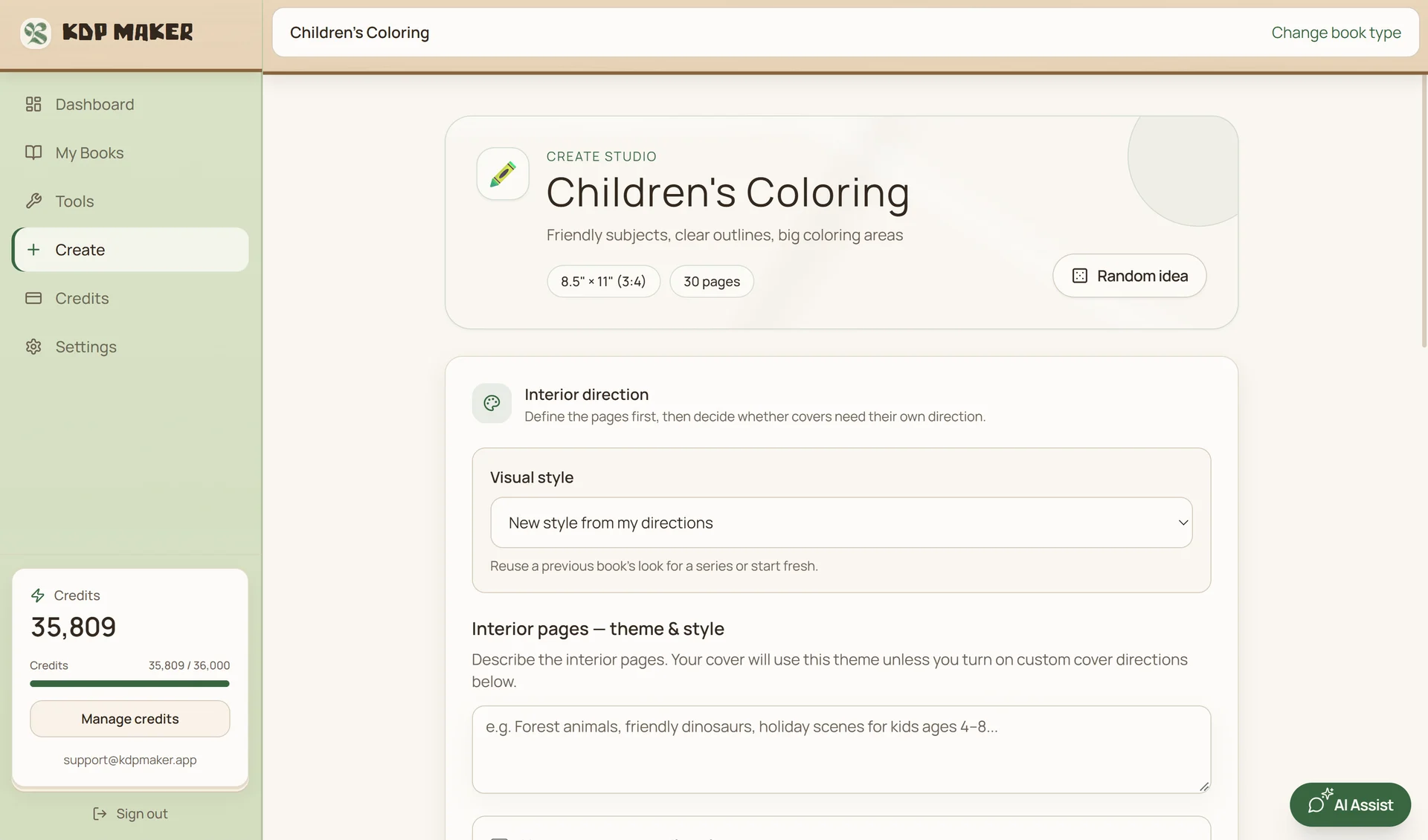
Step 2
Set the theme, trim, page count, and title. Then review your generated interior and cover in Studio.
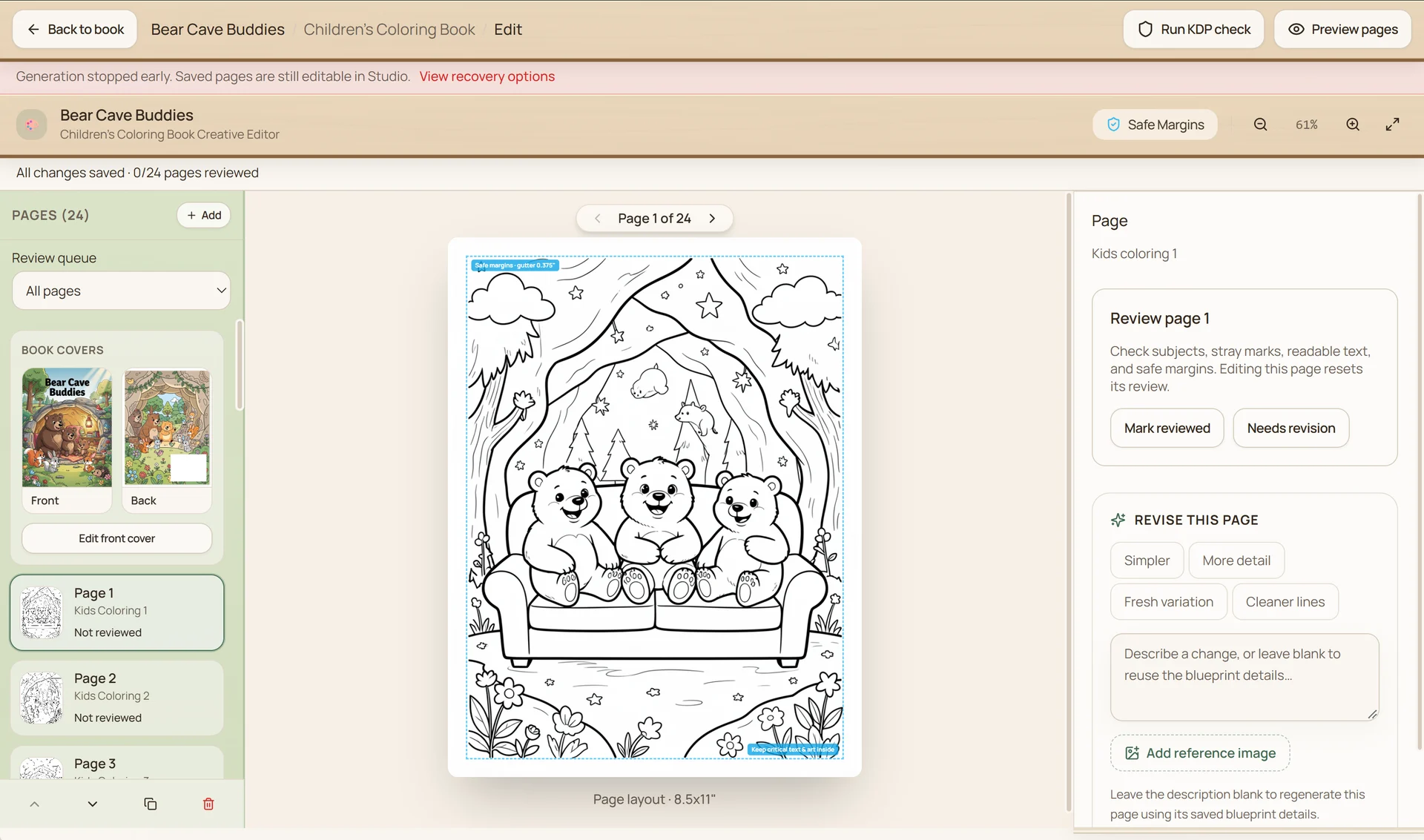
Step 3
Check the pages and covers, run preflight, then download the publishing bundle for your final KDP review.
Book types
The coloring options cover different ages, subjects, and levels of detail. Diary pages use one repeating writing layout with custom covers.
Friendly subjects, clear outlines, big coloring areas
Explore this style
Extra-thick lines, one big subject per page
Explore this style
Intricate line work for long coloring sessions
Explore this style
Scenic views, nature, and wide compositions
Explore this style
Cabins, blankets, tea, and quiet indoor scenes
Explore this style
Scandinavian calm, candles, wool, and winter light
Explore this style
Expressive cartoon characters and comic-style scenes
Explore this style
Large shapes and thick lines for easy coloring
Explore this style
Large petals and easy radial patterns
Explore this style
Dense radial ornaments for focus and calm
Explore this style
Animals framed in (or formed from) mandala patterns
Explore this style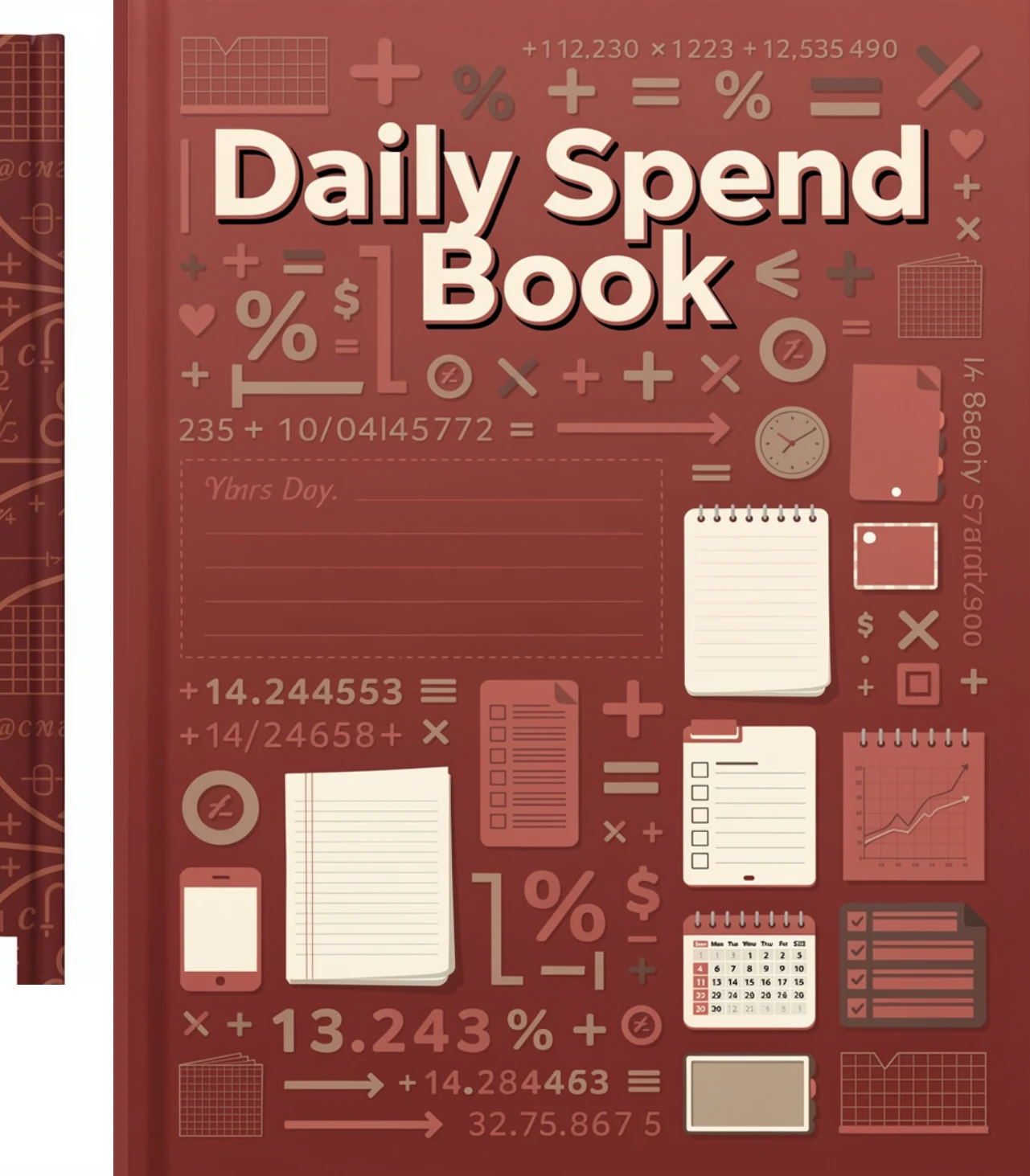
One reusable diary-page design with custom covers
Explore this styleWho it is for
KDP Maker helps you plan, generate, edit, and prepare a coloring-book catalog. Book generation requires an active paid subscription and credits; publishing tools are free to use after creating an account.
Reuse a visual direction, revise individual pages, and keep each book's interior and cover together in a repeatable workflow.
Turn a specific audience and theme into a draft, then review the pages, dimensions, and publishing steps before upload.
Prepare a coloring-book concept for paperback publishing, with editable pages and a matching cover in one place.
Pricing
Simple credit-based plans for AI generation and revisions, with free KDP export. Monthly plans add credits each month; annual plans include the yearly credit allotment when you pay. One subscription per account.
520 credits
USD $25/mo
Roughly 9 complete 24-page books
1,100 credits
USD $45/mo
Roughly 19 complete 24-page books
3,000 credits
USD $89/mo
Roughly 52 complete 24-page books
Prices update to your local currency when supported. Paddle confirms applicable taxes at checkout.
Annual plans save 30%. Need more credits anytime? Buy a one-time recharge pack. View all plans & recharge packs →
By subscribing you agree to our Terms, Privacy Policy, and Refund Policy.
Example books
Take a look inside books made with KDP Maker. Browse each cover and a selection of generated coloring pages, in portrait and landscape formats.
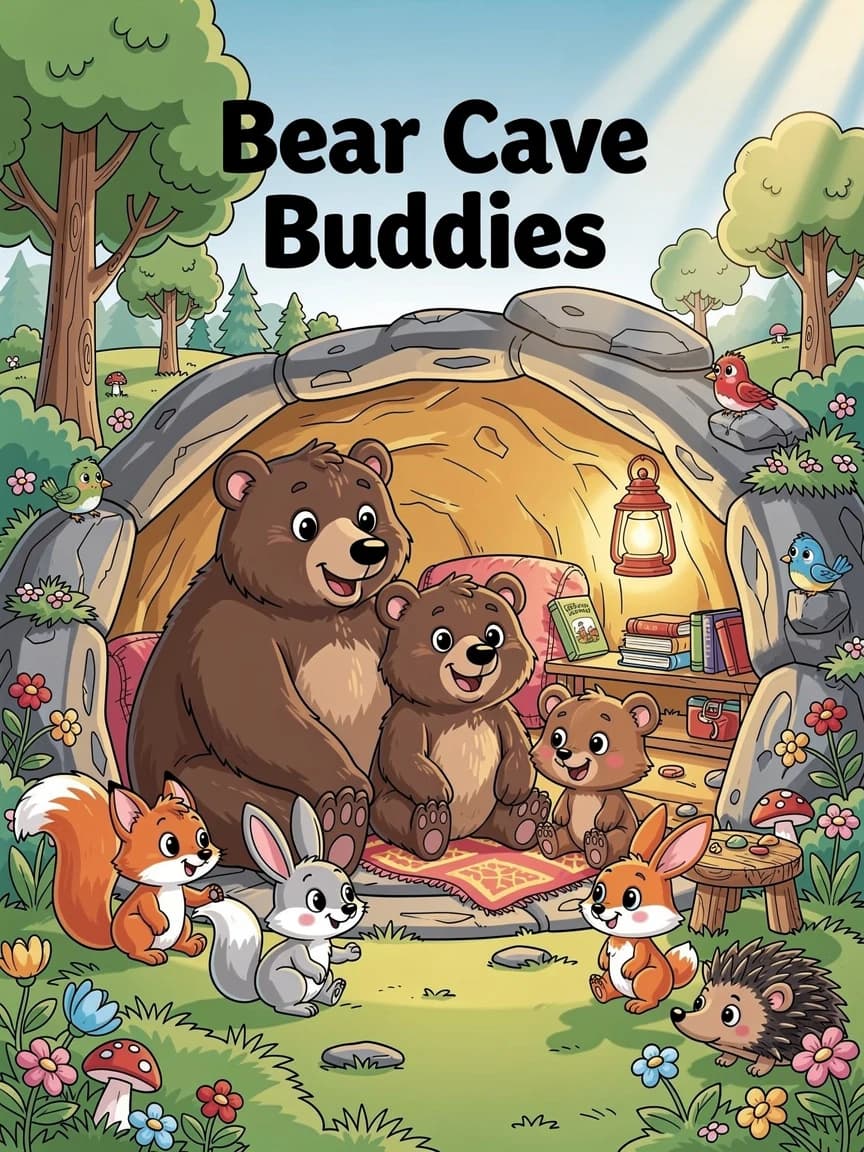
Children’s coloring book
Three bear friends, a cozy cave, and playful forest adventures with clear coloring outlines.
Interior pages from this example book
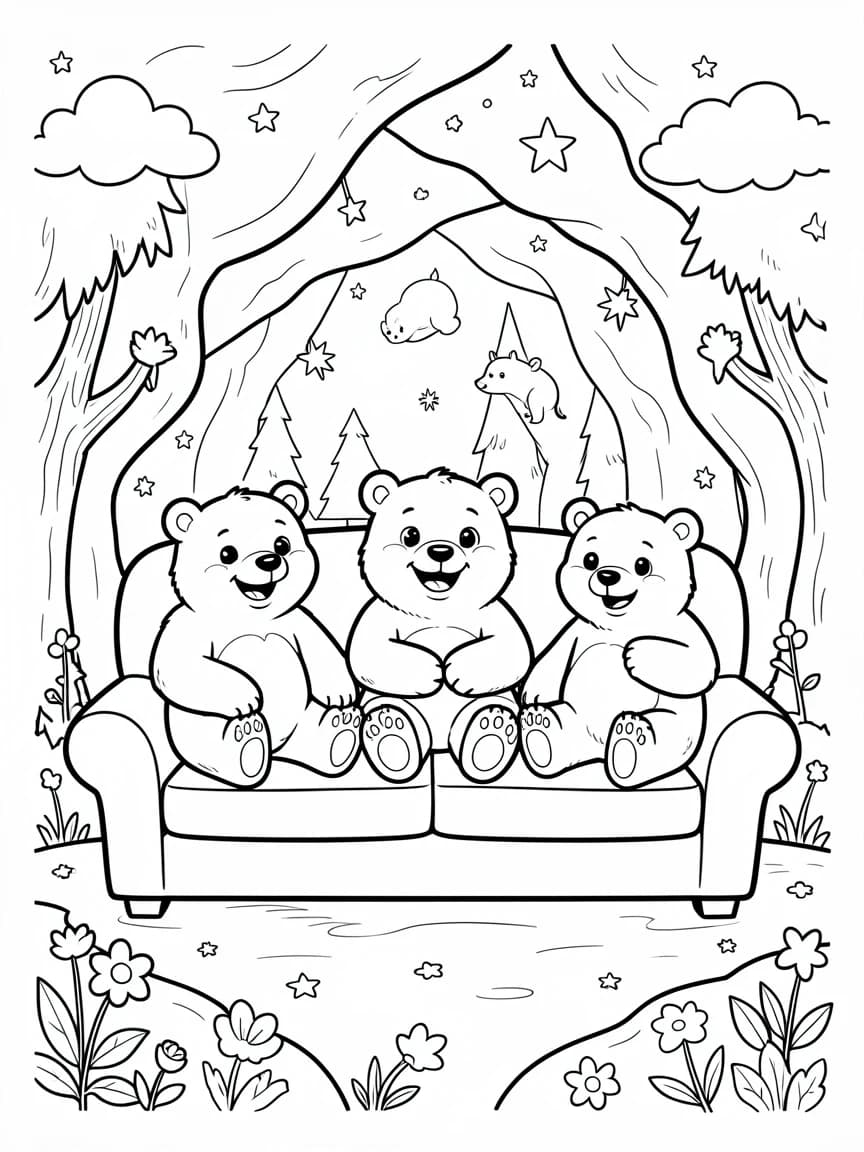
Selected pages from this example book
Publishing guides
Clear, source-linked checklists to help you review a project before you submit it to Amazon KDP.
Spot artwork mistakes, revise pages with references, and finish the Studio review queue.
Read the guideFollow the guided setup from book type through draft creation, generation, review, and export.
Read the guideUnderstand the publisher disclosure and review steps for AI-generated text, images, and translations.
Read the guideReview trim size, bleed, margins, covers, and KDP Print Previewer before you publish.
Read the guideCheck the difference between coloring-book activity pages and repeating diary interiors against Amazon's current guidance.
Read the guideUse the free browser-based checker and learn which PDF issues still need a full KDP Previewer review.
Read the guideUnderstand print royalty rates, marketplace thresholds, and the printing cost in each estimate.
Read the guidePlan a repeating writing page, custom covers, paperback dimensions, and your final upload review.
Read the guideFAQs